Currency
The balance should show NPR. Another currency means you are in the wrong version of the site.
EVO33 app on your phone
Updated regularly ·The EVO33 APK comes from the download page on EVO33's own site, not from Google Play. One tap starts it, one Android permission finishes it, and the brand pays a free credit for making the install.
Below: the download button, the Android steps, the permission to switch off afterwards, and the Safari route for iPhone.
Get the EVO33 appSign up at EVO33
The app button opens EVO33's download page. 18+ only.
EVO33 keeps its Android app on its own download page rather than in Google Play. Tap the button below and that page opens in a new tab, with the Android download waiting on it. The brand adds a free credit for players who install the app, so make the install before the first deposit rather than after.
Get the EVO33 app| Item | Detail |
|---|---|
| Where the file lives | The download page on EVO33's own site |
| Android | A direct APK download, installed from your phone browser |
| iPhone | The mobile site in Safari, pinned to the home screen |
| What you need | An Android phone with room for the download and permission for your browser to install it |
| Account | The same username, password and NPR balance as the site |
| App credit | A free credit listed on the promotions page for installing the app |
The whole EVO33 app download runs in under five minutes on a decent connection. Most of that time goes on one Android setting, covered in the next section.
Do the EVO33 Android install on the phone you will play on. Downloading on a laptop and moving the file across adds a step where a wrong file can slip in.
Open the download page
Tap the app button in this guide. It opens EVO33's site in your phone browser.
Tap the Android button
Wait until the browser says the download has finished before you tap anything else.
Allow installs for your browser
Android asks for permission to install apps from this source. Grant it to the browser you used, nothing else.
Open the file and install
Find the file in Downloads, tap it, then tap Install. Read the permission list before you confirm.
Switch the permission off
Go back to settings and turn off installs from that browser. The app keeps working.
Log in or sign up
Open the app and use your EVO33 username and password, or create an account.
For an EVO33 Android install, the phone blocks apps from outside Google Play until you allow a specific source. The switch sits under Settings › Apps › Special app access › Install unknown apps on many phones. Samsung, Xiaomi and other makers move it around, so search your settings for "unknown apps" if the path differs.
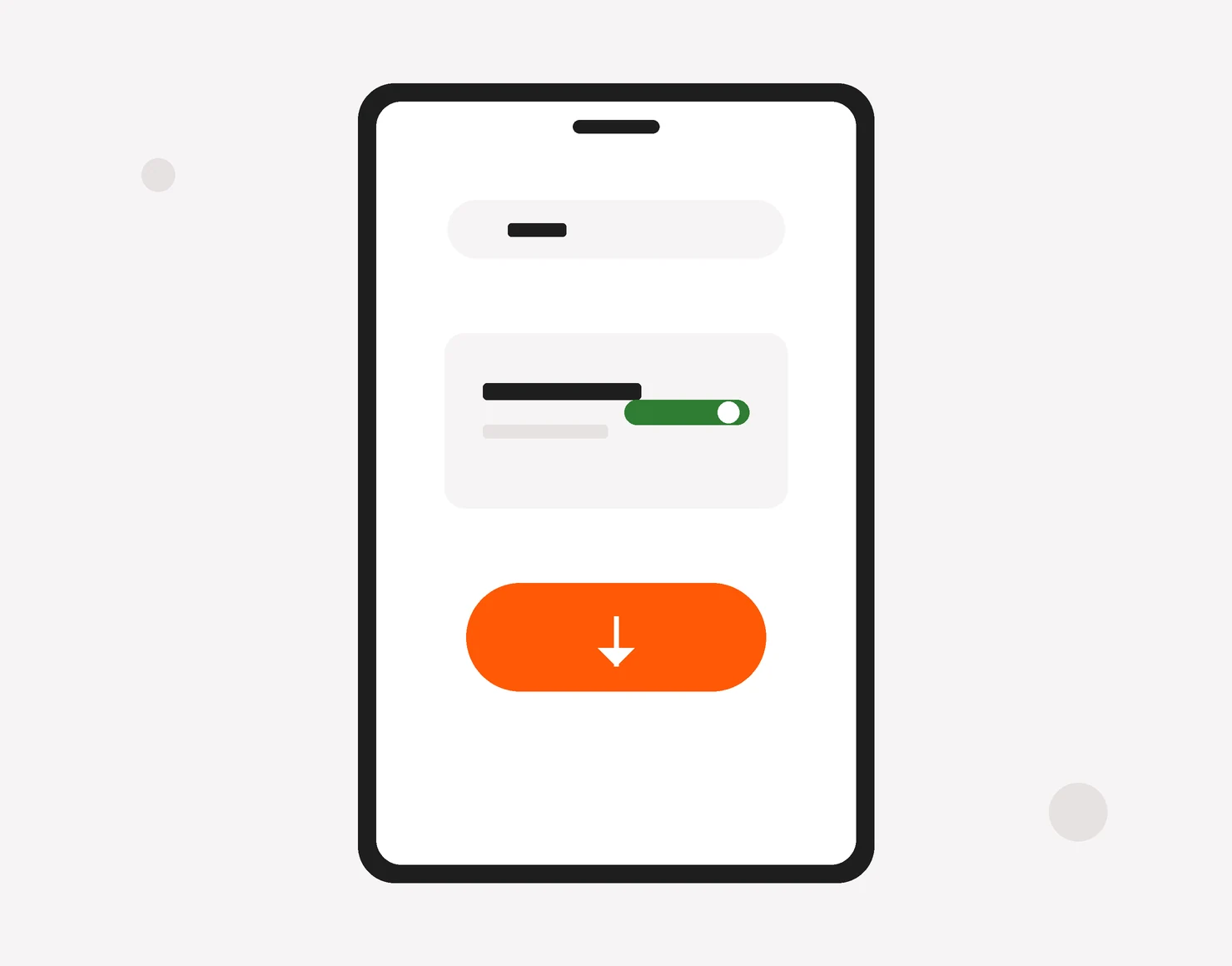
Leaving the switch on is a risk. With it on, a random file opened later in the same browser can install with one tap.
EVO33 runs its iPhone side through the browser. The mobile site carries the same lobby, the same cashier and the same NPR balance as the Android build, and Safari can pin it to the home screen so it opens with one tap, full screen, without the address bar. Treat any page offering an "EVO33 iOS app" file or configuration profile as a fake.
Open the site in Safari
Tap a button in this guide and let the page load fully in Safari.
Tap Share
It is the square with an arrow pointing up, at the bottom or top of the screen.
Add to Home Screen
Scroll the share sheet, tap Add to Home Screen, name the icon and tap Add.
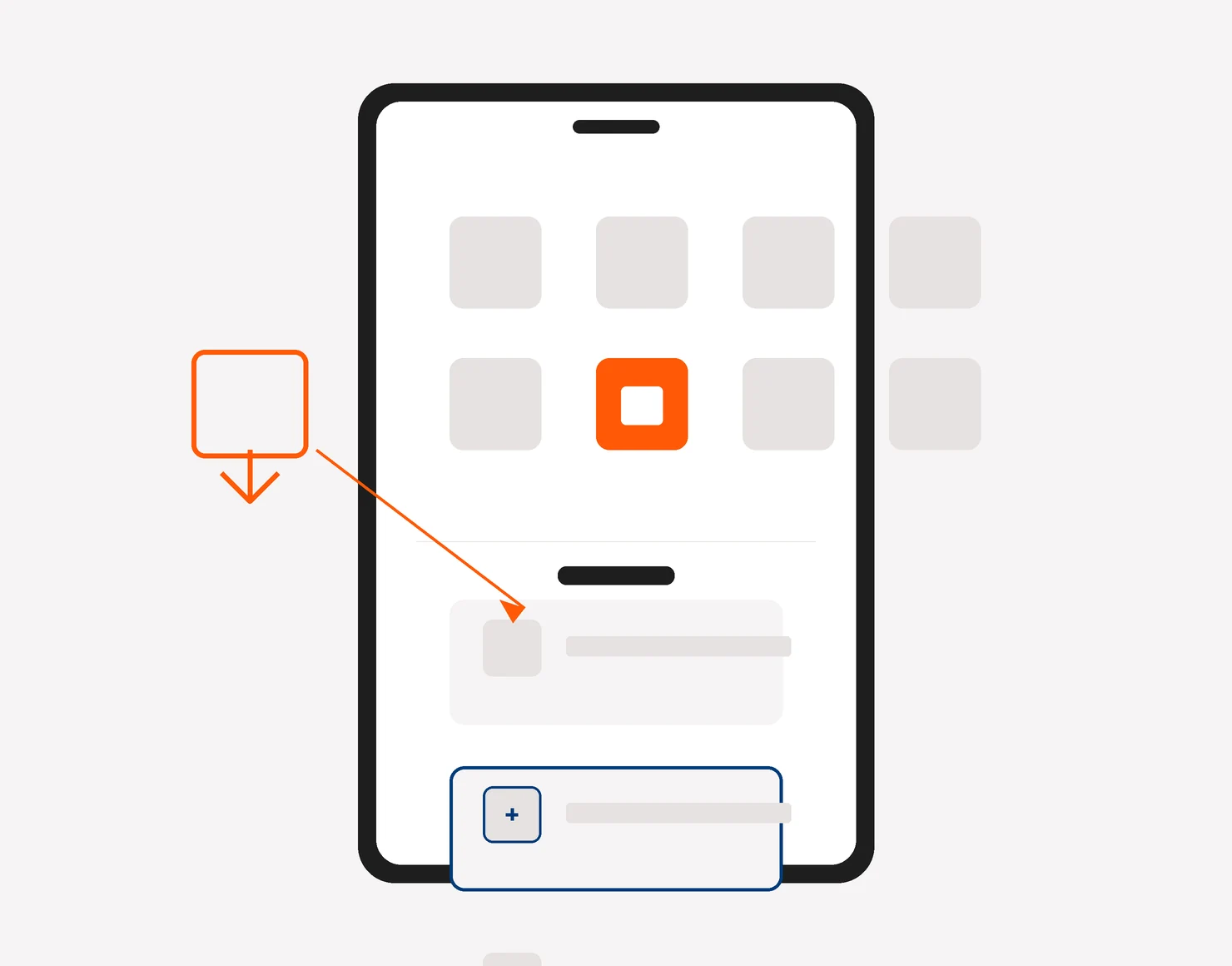
The icon is a bookmark. If you clear Safari's history and website data, you will need to log in again.
Search for "EVO33np APK" and a row of third-party download catalogues comes back. Some copy the file exactly. Others repackage apps with extra code, and from the outside you cannot tell which is which.
Take the file from the EVO33 download page and nowhere else. The same goes for files sent through WhatsApp, Telegram or Facebook groups, even from people you know. If a "support agent" sends you an APK, stop the conversation and open LiveChat on the site instead.
The app updates itself the way any APK does: you fetch a fresh file from the download page and install it over the old one. Three signs say the time has come:
In any of these cases, download the file again and install it on top of the current one. Your balance lives on your account rather than on the phone, so it reappears as soon as you log in. Take a screenshot of the balance first anyway; it costs a second.
Once the app opens, spend two minutes on these six points before any deposit. They confirm you installed the real thing and that it suits your phone.
The balance should show NPR. Another currency means you are in the wrong version of the site.
Compare the tabs with the mobile site: slots, live casino, sports, cricket. Missing tabs point to an old build.
Open the deposit screen without paying and check the list: eSewa, Khalti and the Nepali banks you saw at sign-up.
Find the LiveChat link in the app, so you know where help sits before you need it.
EVO33 runs in English, Hindi, Tamil and Nepali. Set yours in the app menu.
In Android settings, open the app's permission list. Reading SMS or contacts is not something a casino app needs.
If the file fails any of the first three points, delete it and use the browser version until you can get a clean download.
Two promotions touch the EVO33 app download. The brand pays a free credit for installing the app, claimed from the promotions page once the install is done. The slot welcome offer works the same in the app as in the browser, because it belongs to your account rather than the device.
EVO33 slot welcome offer
150% slots bonus up to NPR 20,000
18+ · From a deposit of NPR 500; full terms on the promotions page
Claim the slots bonusIf you do not have an account yet, the EVO33 register guide explains the form, and the EVO33 welcome bonus page covers the terms. Already registered but locked out? See EVO33 login help. For a wider look at the brand, start at the EVO33 Nepal overview.
From the download page on EVO33's own site, which carries the Android button. Skip files from chats, groups and third-party APK catalogues.
Space on the phone, a steady connection while the file transfers, and one Android setting: the permission that lets your browser put an app on the handset from outside Google Play. The install prompts you for it at the right moment.
EVO33 serves iPhone through the mobile site in Safari. Open it and use Add to Home Screen: the icon opens full screen with the same lobby, cashier and NPR balance.
Third-party catalogues repackage apps, and from the outside the copies look identical. Take the file from the brand's download page only.
Android warns about any app installed from outside Google Play. Allow the install for that one browser, then switch the permission off again.
Yes. EVO33 lists a free credit for installing the app, claimed from the promotions page once the install is done, and another for following the brand on Telegram or WhatsApp.
Yes. The slot welcome offer belongs to your account, so it works the same in the app and in the browser. Pick it in the cashier when you deposit.